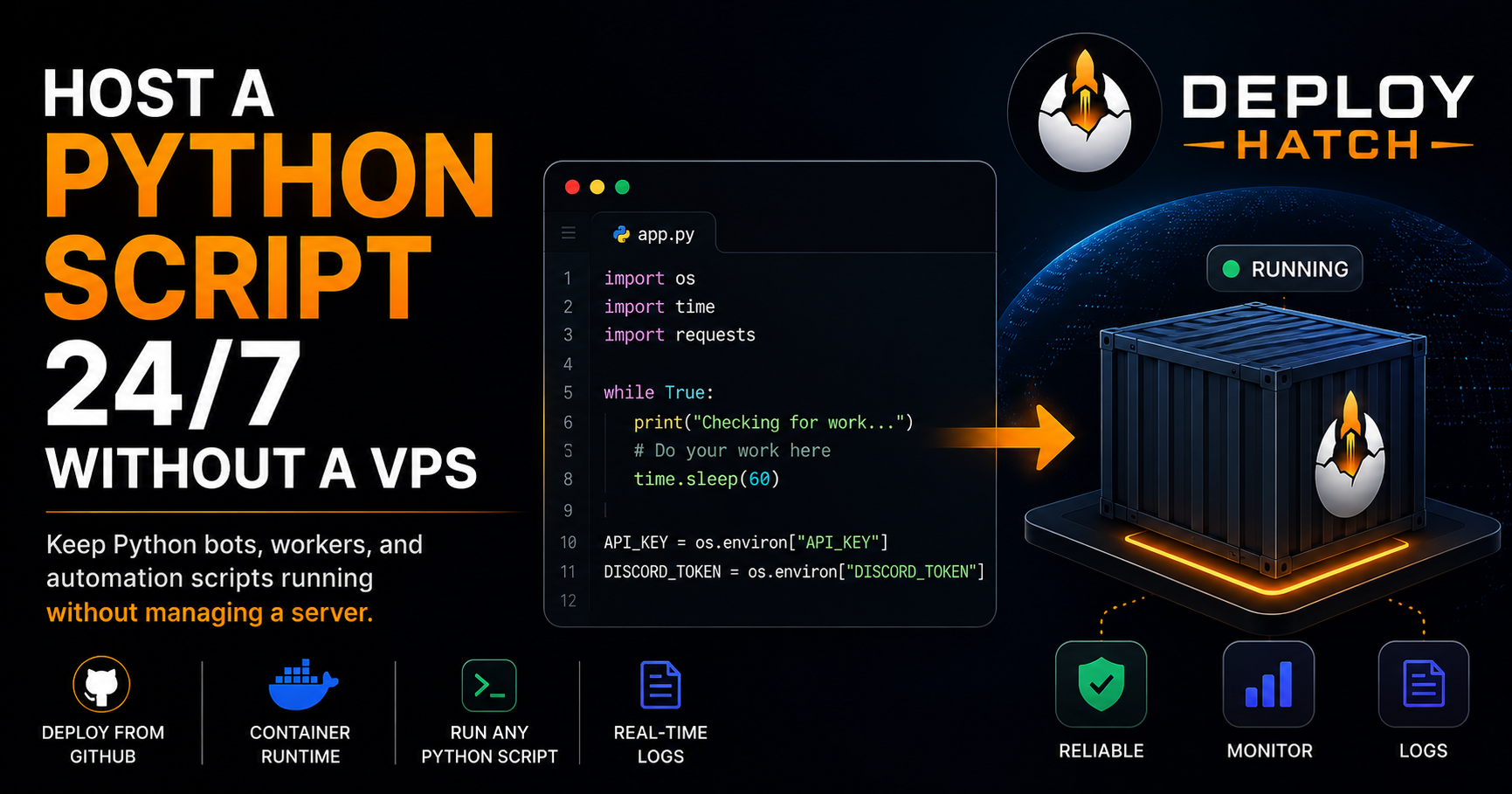
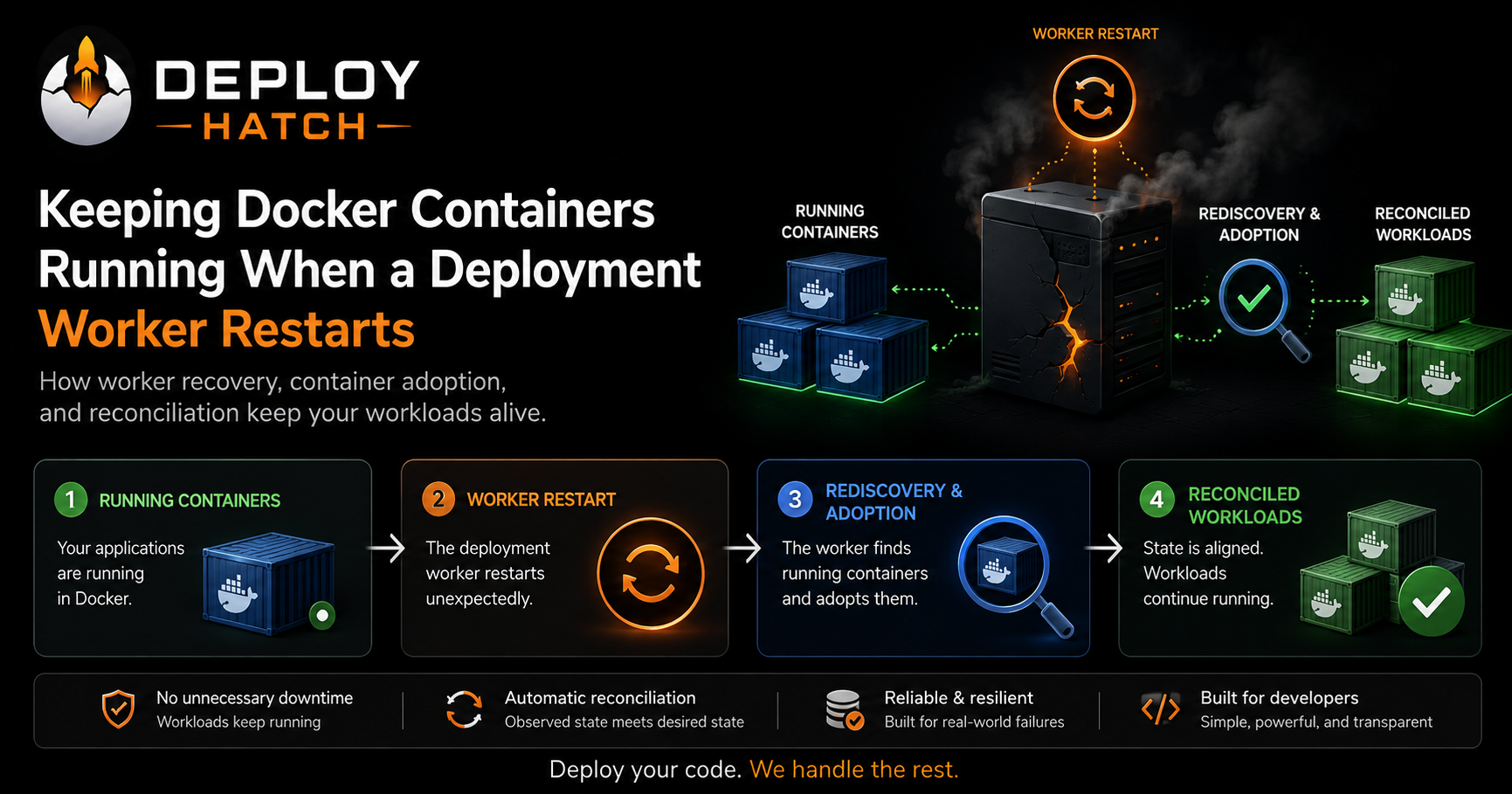
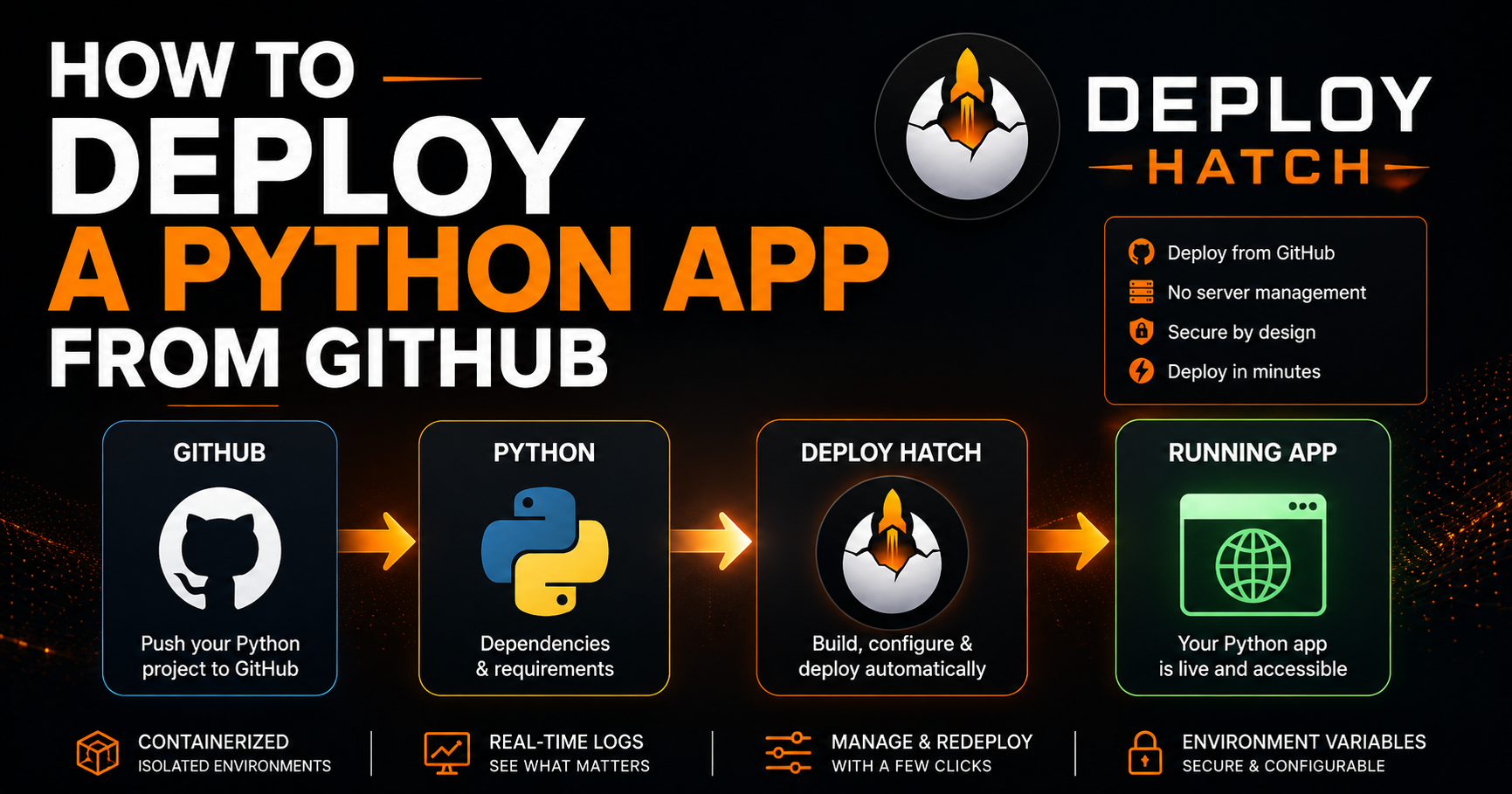
How to Deploy a Discord.js Bot From GitHub Without SSH
A practical guide to taking a Discord.js bot from a GitHub repository to an always-running process without configuring and maintaining a VPS yourself.
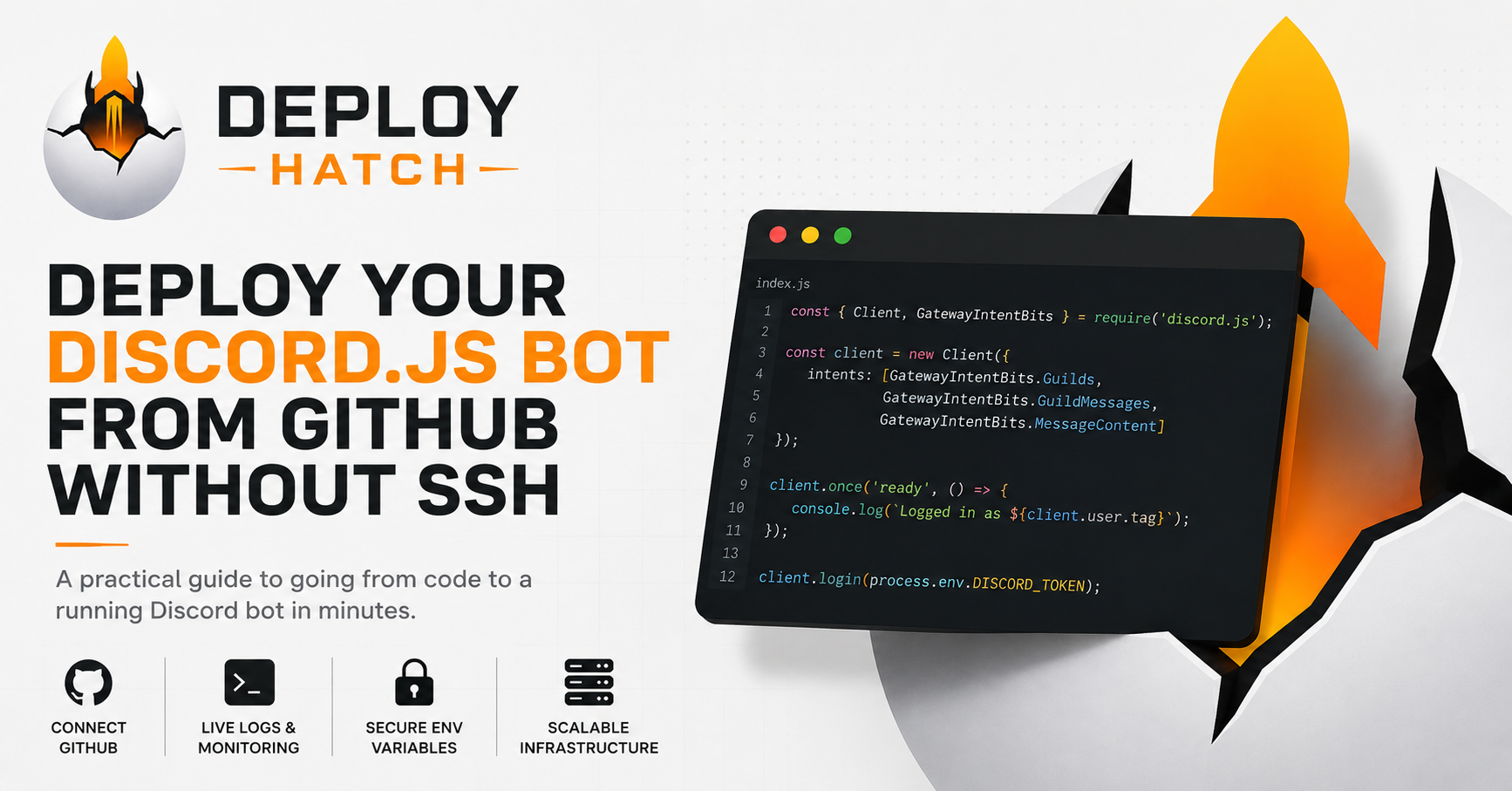
Building a Discord bot locally is usually the easy part.
You install Node.js, create your Discord application, add discord.js, write a few commands, run node index.js, and your bot comes online.
Then you close your terminal.
The bot goes offline.
That is the point where a coding project turns into a hosting problem.
Traditionally, keeping a Discord bot running means renting a VPS, connecting over SSH, installing Node.js, cloning your repository, configuring secrets, setting up a process manager, checking logs, restarting crashed processes, and maintaining the server.
That works. But if your goal is simply to keep a Discord.js bot online, you may not want another server to administer.
This guide explains what a Discord.js bot actually needs in production, how to prepare one for deployment from GitHub, and how a platform such as Deploy Hatch can handle the infrastructure without requiring you to SSH into a server.
What a Discord bot actually needs to stay online
A typical Discord.js bot is a long-running Node.js process.
When you run:
node index.js
your application creates a Discord client, authenticates using its bot token, and usually establishes a persistent connection to Discord's Gateway.
Discord describes the Gateway as its real-time communication system. It uses WebSocket connections to deliver events such as server changes and other activity to connected applications. (Documentation - Discord)
That distinction matters for hosting.
A traditional Discord bot isn't necessarily a website waiting for someone to visit it. It can be a persistent workload that needs its Node.js process to continue running.
If the process stops, the bot stops.
Your laptop can run that process, but keeping your laptop awake forever isn't a particularly good deployment strategy.
What you really need is somewhere else for that process to live.
Before deploying: make sure the bot runs locally
Don't make hosting the first place you discover that your bot is broken.
From your project directory, install your dependencies:
npm install
Then start the bot using whatever command your project expects. For a simple project, that might be:
node index.js
Or you may have a script in package.json:
{
  "scripts": {
    "start": "node index.js"
  }
}
which lets you run:
npm start
The discord.js guide similarly documents running the application with Node once the client has been configured. (Discord.js Guide)
Make sure the bot successfully connects to Discord before worrying about deployment.
Keep your Discord token out of GitHub
This is one of the most important parts of deploying a bot.
Your Discord bot token is effectively a credential that allows your application to authenticate as the bot. Discord explicitly warns developers never to share it or commit it to version control. (Documentation - Discord)
Don't do this:
client.login("MY_ACTUAL_DISCORD_TOKEN");
And don't commit a .env file containing the token to GitHub.
Instead, read the value from an environment variable:
client.login(process.env.DISCORD_TOKEN);
During local development you might have:
DISCORD_TOKEN=your_token_here
in a local .env file that is excluded by .gitignore.
The discord.js documentation specifically recommends protecting tokens and supports environment variables for passing configuration into the Node.js process. (Discord.js Guide)
Your production hosting environment should provide the real value separately.
That gives you a clean separation:
GitHub
├── index.js
├── commands/
├── package.json
└── package-lock.json

Hosting environment
└── DISCORD_TOKEN=********
Your code can be stored in GitHub without storing the credential alongside it.
Make sure your dependencies are declared
Your hosting environment needs to know what to install.
For a Discord.js project, package.json should contain the application's dependencies.
For example:
{
  "name": "my-discord-bot",
  "version": "1.0.0",
  "main": "index.js",
  "scripts": {
    "start": "node index.js"
  },
  "dependencies": {
    "discord.js": "^14.0.0"
  }
}
You normally shouldn't manually copy your local node_modules directory into GitHub.
The deployment environment can install the dependencies declared by your project instead.
The official discord.js guide uses npm to initialize a project and install discord.js, with the dependency information managed through the Node.js project configuration. (Discord.js Guide)
Push the bot to GitHub
Once the project runs locally and secrets have been removed, push the source to a GitHub repository.
At a minimum, a simple bot might look something like:
my-discord-bot/
├── commands/
├── events/
├── index.js
├── package.json
├── package-lock.json
└── .gitignore
Your exact structure doesn't matter nearly as much as a few basic properties:
the required source code is present;
dependencies are declared;
the bot has a predictable startup command;
credentials aren't committed to the repository.
At this point, GitHub contains the source of the application.
It still doesn't run the application.
Something needs to turn that repository into a running process.
The traditional VPS approach
You can absolutely deploy the bot yourself.
A typical VPS workflow might involve connecting to a Linux server:
ssh user@your-server
Then cloning the project:
git clone <repository>
cd <repository>
Installing dependencies:
npm install
Configuring the Discord token on the server and starting the application.
You would normally also need some mechanism to keep the process running after your SSH session ends and to restart it when necessary.
There's nothing inherently wrong with doing this.
In fact, learning how to deploy applications manually is useful because it teaches you what deployment platforms are automating.
The tradeoff is that you now operate the server too.
You are responsible for the runtime environment, process lifecycle, updates, logs, resource usage, security and whatever other infrastructure your application requires.
For some developers, that's exactly what they want.
For others, it's work unrelated to the Discord bot they actually wanted to build.
Deploying directly from GitHub instead
The alternative is to move that infrastructure work into a deployment platform.
The workflow becomes something closer to:
Discord.js project
        ↓
      GitHub
        ↓
Deployment platform
        ↓
   Build environment
        ↓
  Running workload
        ↓
      Discord
This is the workflow I've been building Deploy Hatch around.
Rather than logging into a server over SSH, you connect a GitHub repository and create a deployment from it.
Deploy Hatch takes the selected source revision, prepares the workload, installs/builds what the project requires, and starts it inside an isolated container.
For a Discord bot, the important result isn't a webpage.
It's that the bot's process is actually running.
Deploying the bot with Deploy Hatch
For a Discord.js project, the basic workflow is:
1. Connect GitHub
Authorize GitHub and select the repository containing your bot.
2. Create the project
Deploy Hatch uses the repository as the source for the deployment.
3. Configure environment variables
Add your Discord token as an environment variable:
DISCORD_TOKEN=your_real_token
Your application can then access it through:
process.env.DISCORD_TOKEN
The secret stays outside the source repository.
4. Deploy
The deployment enters the build/runtime pipeline.
Instead of SSHing into a machine and manually preparing the environment, the platform handles the infrastructure required to turn the repository into a running workload.
5. Watch the logs
Logs are particularly important for Discord bots because there may be no webpage to open to determine whether the application works.
A successful startup might produce something like:
Logged in as MyBot#1234
If something goes wrong, the same logs might reveal:
Error: An invalid token was provided
or:
Error: Cannot find module 'discord.js'
That makes the deployment output part of the debugging workflow rather than something hidden on a remote server.
What happens after you click Deploy?
Underneath the simpler interface, there is still infrastructure doing the work.
Conceptually, a deployment looks like:
GitHub repository
       ↓
Selected revision
       ↓
Deployment queue
       ↓
Deployment worker
       ↓
Build / dependency installation
       ↓
Container
       ↓
Node.js process
       ↓
Discord Gateway
Deploy Hatch workers process deployments and run workloads inside containers.
That means your Discord bot isn't magically running "on GitHub."
GitHub stores the source and provides the revision being deployed. A runtime environment still has to build and execute that source.
The deployment platform is removing the need for you to manually administer that runtime environment.
Discord bots are different from normal websites
This is worth emphasizing because it causes confusion when choosing hosting.
A normal web application might expose an HTTP server:
app.listen(3000);
Traffic arrives at that server whenever somebody visits the application.
A Discord.js bot commonly works differently. Discord's documentation notes that bots can connect using a persistent Gateway WebSocket for real-time events, use HTTP interaction endpoints, or use both depending on the application. (Documentation - Discord)
A Gateway-based bot therefore needs an environment suitable for a persistent process.
This is also why hosting tricks designed around short-lived functions or websites that sleep when there is no HTTP traffic aren't automatically a good fit for every Discord bot.
Understand how your bot communicates with Discord before choosing where to run it.
What happens when you update the bot?
Suppose your bot is already running and you push a change:
Fix /ban command
GitHub now contains a newer revision than the one currently running.
A deployment platform can use that revision information to make deployments reproducible.
Instead of wondering which version of the code you manually copied onto a VPS three weeks ago, you can associate a deployment with a specific source revision.
That becomes increasingly useful as a bot grows.
When something breaks after an update, the first question can be:
What changed between these deployments?
rather than:
What files did I change on the server?
Common deployment problems
Even with managed deployment, your application can still fail.
Infrastructure automation doesn't fix broken application code.
Some common problems include:
Missing environment variables
If your bot expects:
process.env.DISCORD_TOKEN
but DISCORD_TOKEN isn't configured in the deployment environment, startup may fail.
Incorrect start command
If your entry point is:
src/bot.js
but the project tries to run:
node index.js
the process isn't going to start correctly.
Missing dependencies
If you import a package but don't declare it in the project's dependencies, the deployment environment may not have it.
Privileged intents
Some Discord functionality requires privileged Gateway intents. Discord documents these separately and requires developers to enable applicable privileged intents in the application's Bot settings, with additional approval requirements applying in some circumstances. (Documentation - Discord)
Changing hosting providers won't fix an incorrectly configured Discord application.
Application crashes
A hosting platform can run your program.
It cannot guarantee that your program itself won't throw an exception.
That's why accessible logs and runtime controls matter.
Do you actually need a VPS?
Sometimes, yes.
If you want complete control over the operating system, custom networking, unusual system dependencies, or just want to learn Linux infrastructure, a VPS can be a great choice.
But a lot of Discord bot projects don't need that level of control.
They need:
Node.js;
their npm dependencies;
environment variables;
a persistent running process;
logs when something goes wrong;
a way to restart or redeploy it.
If that's your situation, managing an entire server may be unnecessary overhead.
GitHub should be the source, not the server
One mental model I find useful is:
GitHub stores what should run.
Your deployment environment actually runs it.
Keeping that boundary clean makes development easier.
You write and test the bot locally, commit the code, push it to GitHub, and deploy a known revision.
Secrets remain outside the repository.
Production logs remain associated with the running workload.
And when you need to update the bot, you're deploying source changes instead of manually editing files on a remote machine.
The end result
The goal isn't to eliminate infrastructure. That's impossible.
Your Discord bot still needs compute, networking, a runtime environment and something responsible for keeping the process alive.
The goal is to decide who has to manage that infrastructure.
With a VPS, that's largely you.
With a deployment platform, much of that work can be handled for you.
For a Discord.js bot stored on GitHub, the workflow can be as simple as:
Write bot
   ↓
Push to GitHub
   ↓
Configure DISCORD_TOKEN
   ↓
Deploy
   ↓
Check logs
   ↓
Bot online
No SSH session required.
If you already have a Discord.js bot in GitHub and want to try this workflow, Deploy Hatch is currently in public beta and supports persistent workloads such as Discord bots alongside web applications, APIs, and background workers.
The Discord bot hosting guide is here:
Deploy Hatch Discord Bot Hosting
And if you'd rather manage the infrastructure yourself, that's completely valid too. The important thing is understanding what your bot needs to keep running and choosing the deployment model that makes sense for you.