How to Host a Python Script 24/7 Without a VPS
A practical way to keep Python bots, workers, automation scripts, and other long-running processes online without managing a server yourself
Running a Python script is easy.
Keeping one running reliably after you close your laptop is where things get more complicated.
Maybe you built a Discord bot. Maybe it’s an automation script that polls an API every few minutes. Maybe it consumes jobs from a queue, processes data in the background, or listens for events.
Locally, you can just run:
python app.py
As long as your terminal stays open and your computer stays awake, everything works.
But that isn’t really deployment.
If the process needs to run continuously, you need somewhere else for it to live. Traditionally, that means renting a VPS, connecting over SSH, installing Python, transferring your code, managing environment variables, configuring a process manager, and figuring out what should happen when the process crashes or the server reboots.
That works. But for a small Python project, it can be a surprising amount of infrastructure to maintain.
There’s another way to think about it.
A Python script doesn't need to be a website
One reason hosting Python scripts can feel awkward is that many deployment tutorials assume you're building a web application.
They expect something like Flask, Django, or FastAPI to start an HTTP server and listen on a port.
But plenty of useful Python programs don't do that.
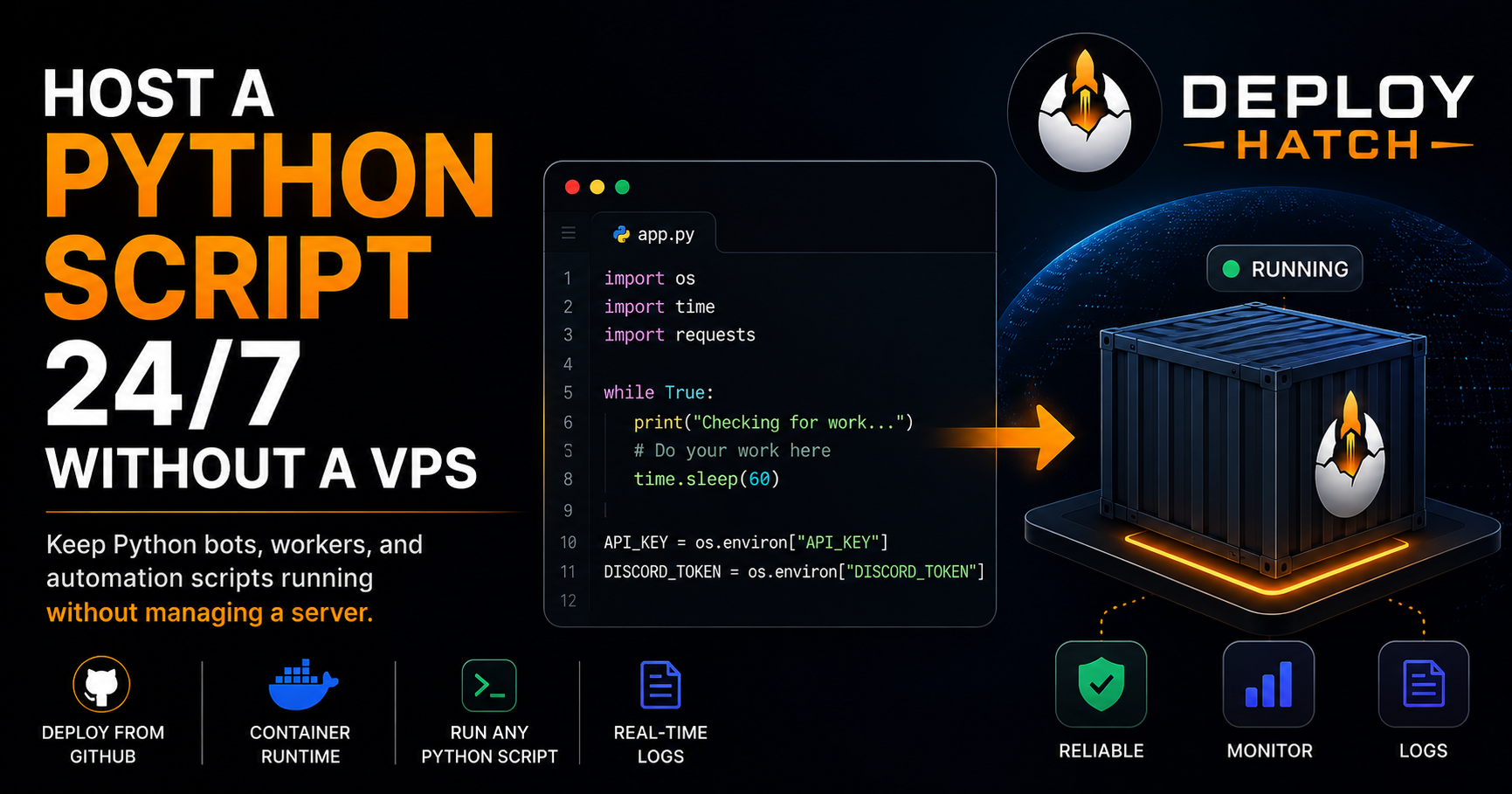
Consider a simple worker:
import time

while True:
    print("Checking for work...")

    # Poll an API, process a queue,
    # perform an automation task, etc.

    time.sleep(60)
There is no homepage.
There is no HTTP server.
There may not even be a port.
The application is simply a persistent process. Its job is to start, keep running, and do something repeatedly.
Discord bots are another good example. So are queue consumers, monitoring processes, scheduled automation loops, data processors, and integrations that maintain long-lived connections.
For these applications, hosting really means giving the process a reliable runtime outside your own computer.
What “running 24/7” actually requires
Moving a Python script off your laptop solves one problem, but it creates a few others.
A useful deployment environment needs to know:
where your code comes from;
which Python dependencies to install;
what command starts the program;
which environment variables it needs;
where its logs go;
whether the process is still running;
and what to do when something fails.
That last point is important.
Simply starting a process once doesn't guarantee that it stays online.
Docker, for example, supports restart policies that determine whether a container should be restarted after it exits. Policies such as on-failure, always, and unless-stopped behave differently depending on why the container stopped. (Docker Documentation)
A deployment platform can take responsibility for more of this lifecycle so you don't have to manually babysit the process.
Start by making the project deployable
A Python project doesn't need to be complicated to deploy.
A basic repository might look like this:
my-python-worker/
├── app.py
├── requirements.txt
└── README.md
Your requirements.txt describes the packages the program needs:
requests
discord.py
And your application has a clear entry point:
python app.py
The exact structure depends on your project, but the important thing is that another machine should be able to answer two questions:
What do I install?
and:
What do I run?
If those answers only exist in your head or in the state of your development machine, deployment becomes much harder.
Put the source code in GitHub
Once the project can be reproduced, GitHub becomes a useful source of truth for the application.
Instead of manually copying files onto a server every time something changes, deployment can begin from a specific revision of the repository.
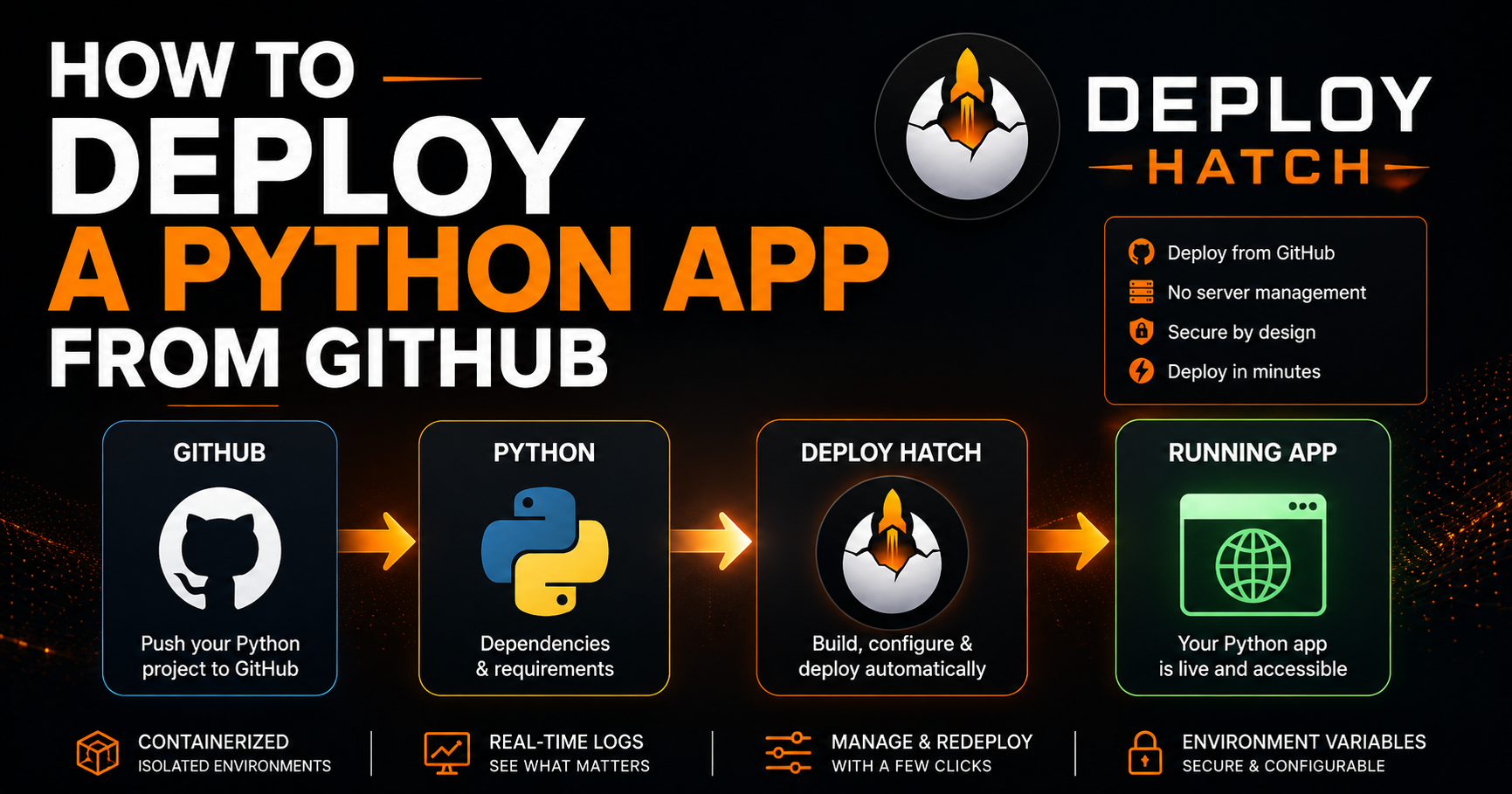
The basic workflow becomes:
Write code
    ↓
Push to GitHub
    ↓
Select repository
    ↓
Build deployment
    ↓
Start Python process
That separation matters.
Your laptop becomes the place where you develop the application.
The deployment environment becomes the place where it runs.
Closing VS Code, shutting down your PC, or leaving home shouldn't take your production process offline.
Keep credentials out of the repository
Many long-running Python programs need credentials.
For example:
import os

api_key = os.environ["API_KEY"]
You might have:
DISCORD_TOKEN
API_KEY
DATABASE_URL
WEBHOOK_SECRET
Those values should not be hardcoded into your source code.
GitHub specifically recommends against hardcoding secrets and recommends environment variables or appropriate secret-management systems instead. Credentials committed to a repository can remain in Git history even after they're removed from the current version of a file. (GitHub Docs)
So instead of doing this:
TOKEN = "my-real-secret-token"
your application should expect the deployment environment to provide it:
import os

TOKEN = os.environ["DISCORD_TOKEN"]
Then configure DISCORD_TOKEN in the environment where the application actually runs.
That also lets development and production use different credentials without changing the source code.
The VPS approach
You can absolutely host this yourself.
A typical VPS workflow might involve:
Rent VPS
    ↓
SSH into server
    ↓
Install Python
    ↓
Clone repository
    ↓
Install dependencies
    ↓
Configure environment
    ↓
Start process
    ↓
Configure process supervision
    ↓
Monitor logs
For developers who want full control of their infrastructure, that's a perfectly reasonable approach.
The tradeoff is ownership.
You now own the server configuration as well as the application.
If the process dies, you need a restart strategy. If the machine reboots, you need the application to return. If a dependency installation fails, you need to diagnose it. If you want to deploy a new revision, you need a repeatable update process.
None of these problems are impossible.
They're just infrastructure problems rather than Python problems.
The managed approach
If you don't want the server itself to become another project, you can use a deployment platform to manage that layer.
This is the approach we're building with Deploy Hatch.
Instead of provisioning a VPS and configuring it over SSH, the workflow starts with the GitHub repository:
GitHub repository
        ↓
   Deployment
        ↓
 Install dependencies
        ↓
 Build runtime
        ↓
 Start container
        ↓
 Run Python process
        ↓
 Logs + runtime controls
The important distinction is that a Python worker doesn't have to pretend to be a website.
If the application is supposed to run:
python app.py
and remain alive, that's the workload.
There doesn't need to be an HTTP endpoint just to satisfy the hosting environment.
Deploying the Python script
For a repository that's ready to run, the deployment process is fairly small.
Connect the GitHub repository to Deploy Hatch and create a project from it.
The platform can then prepare the runtime, install the application's dependencies, and start the configured Python process inside a container.
Environment variables needed by the application are configured separately rather than committed into the repository.
Once deployment begins, the logs become particularly important.
You want to see whether dependencies installed correctly, whether the application actually started, and what happened if it exited.
A successful build doesn't necessarily mean a successful application.
The real goal is a running process.
Logs are part of the deployment experience
Imagine the application immediately exits with:
KeyError: 'DISCORD_TOKEN'
That's very different from an infrastructure failure.
The container may have been created successfully. Python may have installed correctly. Dependencies may be present.
The application itself is telling you that a required environment variable is missing.
Or perhaps you see:
ModuleNotFoundError: No module named 'requests'
Now requirements.txt is probably the first place to investigate.
Good deployment tooling shouldn't hide these distinctions.
Logs are how you determine whether you're dealing with a build problem, configuration problem, application crash, or platform problem.
Updating the script
Once GitHub is the source of the deployment, updates become much cleaner.
Make the change locally:
git add .
git commit -m "Improve worker retry handling"
git push
Then deploy the new revision.
That gives you a much more useful mental model than editing files directly on a production server:
Git revision
      ↓
Deployment
      ↓
Running workload
You know which version of the code is supposed to be running.
And when something breaks, you have an actual revision to investigate.
Common reasons Python deployments fail
Most failures aren't particularly exotic.
Missing dependencies
If your code imports a package, make sure it's actually included in your dependency configuration.
Something working inside your local virtual environment doesn't mean a fresh deployment environment knows about it.
Missing environment variables
If your program expects:
os.environ["API_KEY"]
then API_KEY needs to exist in the deployed environment.
Incorrect start command
Make sure the deployment is starting the correct file.
Your application might use:
python bot.py
rather than:
python app.py
The program exits normally
Sometimes nothing technically crashes.
The script simply finishes.
For a persistent worker, that means there is no longer a process to keep alive.
A program intended to run continuously needs an execution model that actually remains active, whether that's a loop, queue consumer, persistent connection, scheduler, or another long-running mechanism.
Secrets committed to Git
Don't treat deleting the credential from the latest commit as sufficient.
GitHub warns that committed credentials can remain in repository history. If a real credential has been exposed, revoke or rotate it rather than assuming deletion made it safe again. (GitHub Docs)
When should you use a VPS instead?
Managed deployment isn't automatically the right answer for everything.
A VPS may make more sense when you need unusual system packages, low-level operating-system control, custom networking, specialized services, or complete control over the host.
But if your actual goal is:
“I wrote this Python program and I need it to stay running.”
then it's worth asking whether you really want to become responsible for an entire server just to accomplish that.
For many bots, automation tools, workers, integrations, and small services, the infrastructure is supporting work rather than the product itself.
Deployment should be boring
A long-running Python script ultimately needs a surprisingly small set of things.
It needs its code.
It needs its dependencies.
It needs its configuration.
It needs somewhere reliable to run.
And when something goes wrong, you need enough visibility to understand why.
Whether you accomplish that with a VPS, Docker on your own infrastructure, or a managed deployment platform is an engineering choice.
But “running Python 24/7” doesn't have to mean leaving a terminal open—or spending your afternoon configuring a Linux server.
If you'd rather deploy from GitHub and let the deployment layer handle the runtime, you can learn more in the Deploy Hatch Python deployment guide.